Tuesday, October 30, 2012

List of Terms in Animation


ANTICIPATION- also called ANTIC, preparation for the action
LINE OF ACTION- imaginary line that extends through the main action of the figure
PATH OF ACTION- the path that the action of the animation follows
SQUASH- compressed
STRETCH- expanded
ARC- curve in the path of action
SPACING- distance between drawings
TIMING- fast and slow of movement/written on right bottom side of the paper
SLOW IN- timing of action from fast to slow
SLOW OUT- timing of action from slow to fast
DRAG- delay in the movement
FOLLOW THROUGH-an action almost never comes to sudden stop but generally carried past its end. Example; golfer hitting a ball
SECONDARY ACTION- another action that adds support to the main action. Example; hair moving within a run action
SETTLE- an extra pose to soften an action to a stop
CUSHION- a fine slowing into a stop
EXAGGERATION- slight distortion in the drawings
OVERSHOOT- the main action slightly pushed 
STRAIGHT AHEAD ANIMATION- a method of animating where the animator starts from the first drawing and draw his way spontaneously  to the end of the scene.
POSE TO POSE ANIMATION- (also called planned animation) a method of animating key drawings base on a plan.
TAKE- extreme reaction
KEY POSES- (also called extremes) critical positions the character takes within a certain motion
ROUGH- quick sketch of the animation
FLIPPING- turning the pages of animation drawings quickly to view the action
INBETWEENING- the drawing between the key poses
CLEAN UP- clean and finely-drawn versions of the rough animation
BREAKDOWN- is the main inbetween  drawing roughed out by animator to guide the inbetweener
THUMBNAIL- small sketches
PIVOT POINTS- the joints that is used to move the parts of a 2D figure in the digital animation.

1 foot - 16 frames
24 frames - 1 second
1 minute - 1440 frames

Moving hold - the character can be trace back or held with one or two moving bits. eg. Head is held for several frames and only the eyes are moving (Blinking).

Fast action - further apart the key drawings and less inbetweens.

Generally Lighter character has quicker and more agile movements.


Slow-in is another term for ease-in.

Slow-out is another term for ease-out.

Line of action - imaginary line extending through the main action of the figure.


 2 and 3 represents the 2 inbetween drawing, 1 and 4 are the key drawings.


Slow-in timing. Keys 1 and 4, in-betweens are more favoring key number 4 (fast to slow action)

Could You Explain the Animation Terms Cushion and Settle?


Could you please explain the animation terms cushion and settle?


These terms are used almost interchangeably, and mostly they just refer to how a character's movement is going to come to a stop.


Cushion is pretty much the same as "ease in" or "slow-in," animation terms used to describe the way a character will "ease" into a pose or "slow" into a pose. You could also say that a character should "cushion" into a pose - it's pretty much the same thing, as far as I know.


The point of those terms, by the way, is to help sell the organic nature of the character or object. Very few things in nature come to an instant stop on a dime, mostly things more in organic arcs and need time to "cushion" into the final position of their movement. For example, if you were walking quickly and came to a stop, no matter how hard you try to stop instantly, you simply cannot do it. Your body is going to have to recover from the movement and part of that is going to be easing into that final stopped pose (and probably going THROUGH that final pose into an overshoot, and then arcing and overlapping back into the final pose).


"Settle," to me, is very similar. I hear people use that term to describe all of those little overshoots and arcs that eventually run out of steam and lead to the character being still. Picture again someone coming to a stop. Well, their hips are going to keep going until their weight and angle of their body slows them down. The hips will probably sail right through that "stopped" pose and go a little too far before your body says "hey hips! Come back here!" The hips are then going to arc back and go into a bit of tiny spiral that will eventually get them into a stopped position.


Force and general body mechanics tell us exactly what will happen next, which will be a subtle wave action through the spine, causing overlap on the arms, successive breaking of joints going all the way down to the wrists, probably a bit of overlap on the head, etc. - all moving in related arcs in multiple axis, though offset from one another, and so forth.


To me, all of that "stuff" that is happening - all of that is the "settling" of the character.


Other folks might use these terms differently, but those are the ways I've heard them used around the studio. Hope that helps!


My 3 main ideas regarding animation


My 3 main ideas regarding animation would be, 1. Learn drawing, 2. Tell entertaining stories, and 3. Utilize the 12 Disney principles at every opportunity. Drawing training always builds skill (whether you do the animating part of the job or not). Producing animation is so labor intensive, even with good hardware and software to help you, that you just can't afford to waste your time with boring stories. The 12 principles of animation teach you the difference between weak and strong animation and explain WHY we choose to what we know will work.
  1. Learn drawing,  Every major studio runs drawing and painting classes for their artists, whether they are 3D modelers/texture artists, matte painters, compositors. Drawing is fundamental and the need for the traditional foundation of classical art is as important as it ever was.  Tippet Studio for example, as prep for "Hollow Man" had their artists do life drawings from the cadavers in autopsy sessions. Reference makes all the difference.  2. Tell entertaining stories  This is critical as well. Students need to understand the art of story telling as it applies to a sequence and even an individual shot. I can't tell you how many times Phil Tippett shouted in dailies at a shot review... "Come on people... what's the story!"  3. Utilize the 12 Disney principles at every opportunity.  Absolutely essential... no question about it. ( for some reason some people think it's not essential...Crappy mentality!) 4. Digital Fundamentals  I know you asked for three but this fourth is equally important. Students need to know the basics of computer technology and digital media. This is the body of knowledge that doesn't change from application to application... ie electronic color theory, digital cinematic techniques, image format types and their uses, alpha channels and their importance, etc. etc.  Any digital artist needs to understand the medium that they will be outputting to and the internal processes of working with that medium.INTIENDES>D LIGON


Tuesday, June 12, 2012

My Past Works....


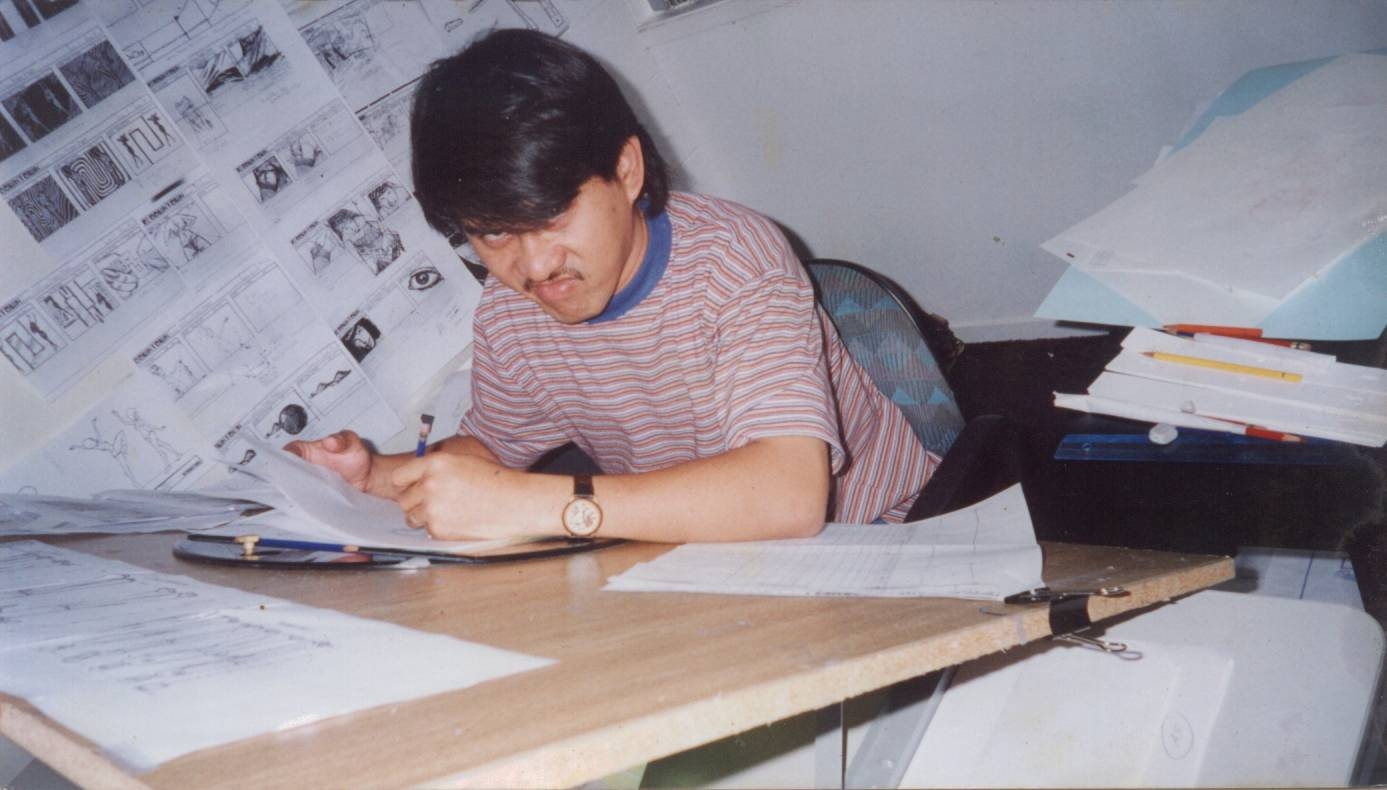
Me and Roy in SOB Studio in NZ.

Inside the Classroom my students are on queue for checking their work.While Doodling few drawings for my students It reminds me again of my past works that I didn't able to keep or make a copy because I'm too busy to meet up the weekly quota ( Target Footage Weekly) or should I say I don't care during those times, I keep on saying to myself that I will gather my past works and and put it together but still I have no time to do it because of the paper works that I need to deliver here in school plus assisting the students on their Final Year Project, I only have a few animation that I was able to keep on the CD but the old pencil test animation are in Beta max and others are in VHS and I'm still hoping that I can still recover it.Anyways, I keep on reminding my students to keep all Animation Assignments that they have finished and make a compilation and get the best works they've done... And use it as their portfolio....

Here are some of the scenes that I have done for Candy Cane.


I can't remember the exact dates when I did these scenes but it's early 2000 when I was still with SOB. 


Saturday, June 2, 2012

Hand Drawn Animation


The Replacements

Could You Explain the Animation Terms Cushion and Settle?

Could you please explain the animation terms cushion and settle?

These terms are used almost interchangeably, and mostly they just refer to how a character's movement is going to come to a stop.

Cushion is pretty much the same as "ease in" or "slow-in," animation terms used to describe the way a character will "ease" into a pose or "slow" into a pose. You could also say that a character should "cushion" into a pose - it's pretty much the same thing, as far as I know.

The point of those terms, by the way, is to help sell the organic nature of the character or object. Very few things in nature come to an instant stop on a dime, mostly things more in organic arcs and need time to "cushion" into the final position of their movement. For example, if you were walking quickly and came to a stop, no matter how hard you try to stop instantly, you simply cannot do it. Your body is going to have to recover from the movement and part of that is going to be easing into that final stopped pose (and probably going THROUGH that final pose into an overshoot, and then arcing and overlapping back into the final pose).

"Settle," to me, is very similar. I hear people use that term to describe all of those little overshoots and arcs that eventually run out of steam and lead to the character being still. Picture again someone coming to a stop. Well, their hips are going to keep going until their weight and angle of their body slows them down. The hips will probably sail right through that "stopped" pose and go a little too far before your body says "hey hips! Come back here!" The hips are then going to arc back and go into a bit of tiny spiral that will eventually get them into a stopped position.

Force and general body mechanics tell us exactly what will happen next, which will be a subtle wave action through the spine, causing overlap on the arms, successive breaking of joints going all the way down to the wrists, probably a bit of overlap on the head, etc. - all moving in related arcs in multiple axis, though offset from one another, and so forth.

To me, all of that "stuff" that is happening - all of that is the "settling" of the character.

Other folks might use these terms differently, but those are the ways I've heard them used around the studio. Hope that helps!


Principles of Animation


The most important thing that every animator has to understand is the principles of animation. Without having a good grasp of this principles, an animator wouldn’t be able to produce a believable animation.

1. Squash and Stretch - defining the rigidity and mass of an object by distorting its shape during an action.

2. Poses – every poses on animation has to be solid, it has to guide the viewer eyes with the right line of action and flow lines. In every scene the poses has to have variety of intensity. To make a pose to be believeable it also has to have the right weight distribution and the right staging of the characters to make it interesting to watch.

3. Timing and Spacing – Timing is how long does it takes to get from one key pose to another. Spacing is the way to get from one key pose to another, whether its fast and getting slower or other combinations of the movement speed.

4. Anticipation – is movement prepares the audience for a major action the character is about to perform, such as, starting to run, jump or change expression. A backwards motion occurs before the forward action is executed.

5.  Staging – Staging is the presentation of an idea so that it is clear. This idea can be an action, a personality, an expression, or a mood.An important objective of staging is to lead the viewers eye to where the action will occur so that they do not miss anything. This means that only one idea at a time occur, or else the viewers may be looking at the wrong thing. This can be achieve by. the framing of the camera, the flow lines of the character’s line of actions, and also movements.

6. Follow Through and Overlapping Action – Follow through is when the main body of the character stops all other parts continue to catch up to the main mass of the character, such as arms, long hair, clothing, coat tails or a dress, floppy ears or a long tail (these follow the path of action). Nothing stops all at once. Overlapping action is when the character changes direction while his clothes or hair continues forward. The character is going in a new direction, to be followed, a number of frames later, by his clothes in the new direction. Timing becomes critical to the effectiveness of drag and the overlapping action.

7.  Straight Ahead Action and Pose-to-Pose Action - The two contrasting approaches to the creation of movement in animation.

8.  Ease In and Out – this is reffers to the variation of the speed of the movement of the spacing between two poses.

9. Exaggeration – Accentuating the essence of an idea via the design and the action. Exaggeration does not mean just distorting the actions or objects arbitrarily, but the animator must carefully choose which properties to exaggerate. If only one thing is exaggerated then it may stand out too much. If everything is exaggerated, then the entire scene may appear too unrealistic.

10. Secondary Action - This is an action that directly results from another action. This action adds to and enriches the main action and adds more dimension to the character animation, supplementing and/or re-enforcing the main action. Example: A character is angrily walking toward another character. The walk is forceful, aggressive, and forward leaning. The leg action is just short of a stomping walk with few strong gestures of the arms working with the walk. At the same time there’re some head tilts and turns to accentuate the walk and dialogue, but not so much as to distract from the walk action. All of these actions should work together in support of one another. Think of the walk as the primary action and arm swings, head bounce and all other actions of the body as secondary action.


11.   Arcs – the visual path of action for natural movement. All actions, with few exceptions (such as the animation of a mechanical device), follow an arc or slightly circular path. This is especially true of the human figure and the action of animals. Arcs give animation a more natural action and better flow.

12. Appeal - Appeal means something that the audience will want to see. This is equivalent to charisma in a live actor. A scene or character should not be too simple (boring!) or too complex (can’t understand it). One principle to achieve this is to avoid mirror symmetry. Asymmetry tends to be more interesting and appealing.